Settings - Admin
Admin UI allows you to manage users, update the app configuration, make full backups.
First user registered will be set admin.
The admin UI is accessible through the Settings - About.
Users
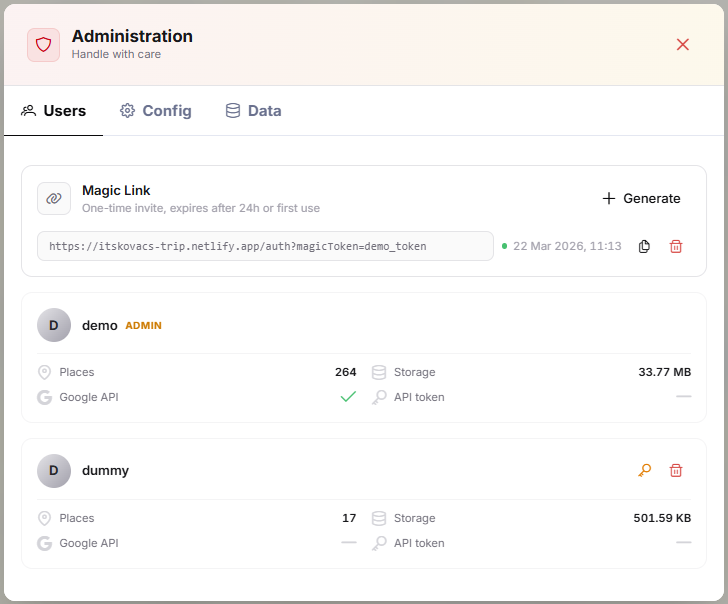
If registration is disabled, you can create Magic Link that will allow someone to register. They are valid for 24 hours or until first use.
Manage users, monitor key metrics, reset passwords or permanently delete a user's account.
Account deletion is irreversible and will completely erase all of their associated data, including trips, places, images, and attachments.
Config
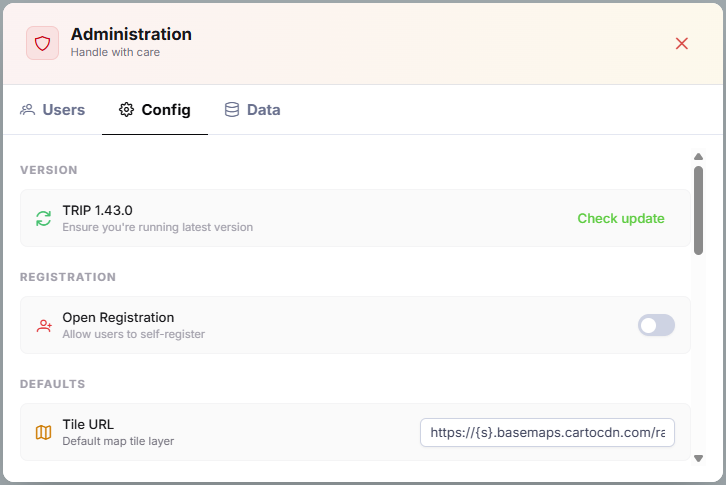
View and modify TRIP global configuration. Any adjustments you make to these configurations are applied and reflected immediately.
While you can update global default values here to affect various aspects of the platform, these changes will not override any existing preferences of individual users.
Data
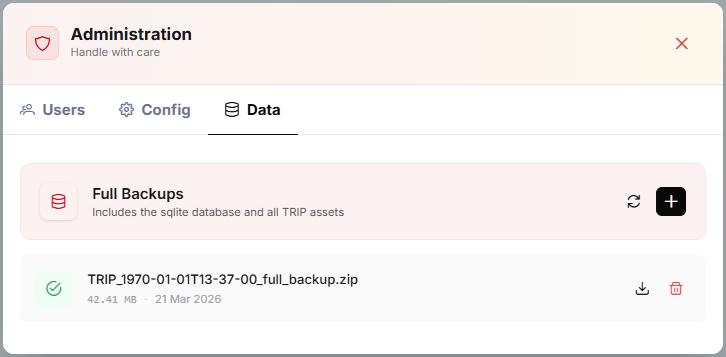
The Data section allows you to generate a complete backup of TRIP data, including all images, attachments, and the database itself.
Because the backup is a simple folder tree, it must be restored manually by extracting the archive directly into your data directory.